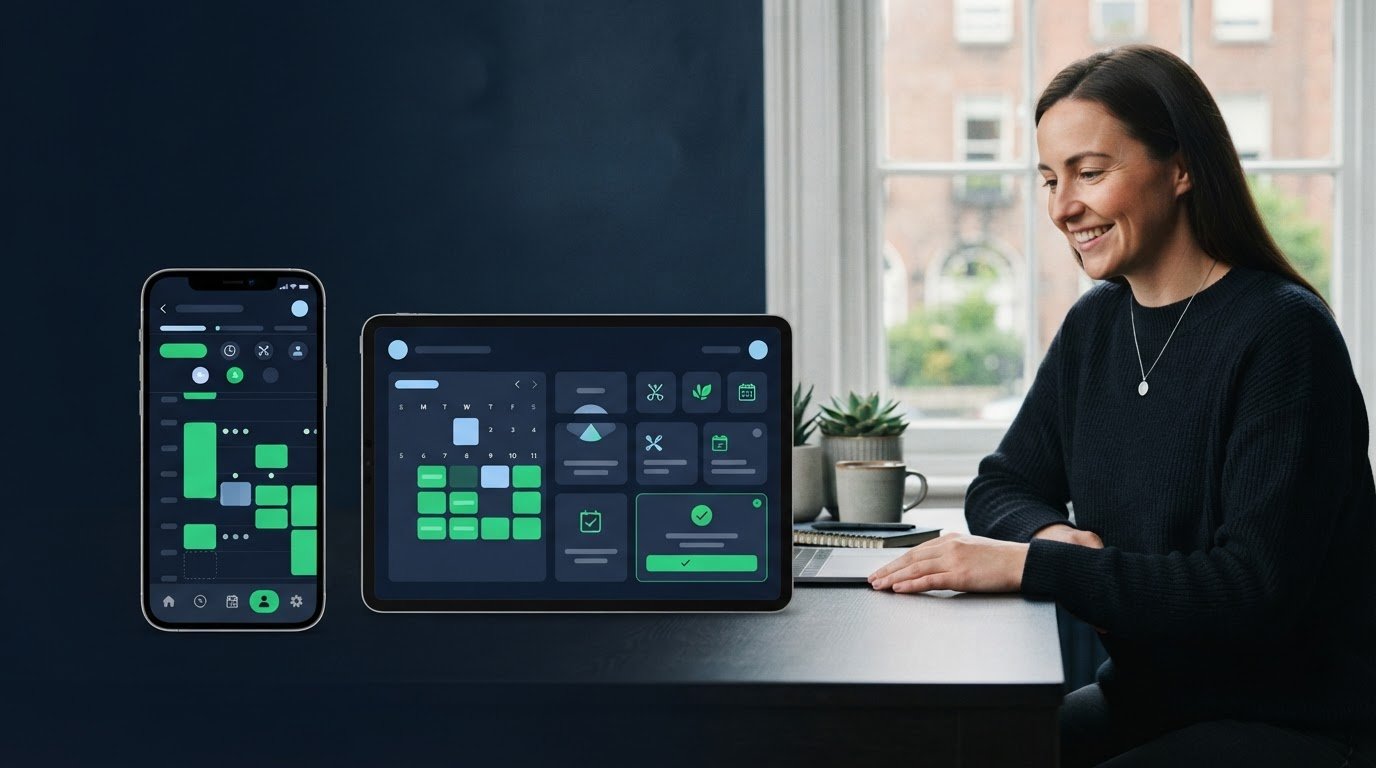
Stop arranging appointments one message at a time. A booking calendar for a small business should let clients choose an available time online, then send confirmations, reminders and updates automatically. This keeps your diary organised without a stream of calls and messages.
The calendar view matters, but so do the booking link and client notifications. Choose a setup that clients can use easily and that you can manage between jobs. This guide compares the main options and explains what to check in availability settings, reminders and notifications, so you can find a practical fit for your business in Ireland.
Key Takeaways
- Appointment reminders are associated with a 90% reduction in no-show rates, so compare how each option handles timely client notifications.
- Map the booking journey from choosing a service and time to receiving confirmation, then look for steps you can simplify.
- Use an online booking link that shows your real availability, helping clients choose a suitable slot without back-and-forth messages.
- When a booking needs to lead into payment, invoicing or bills, consider how those tasks can fit into the same business workflow.
Table of Contents
Automated reminders and client notifications
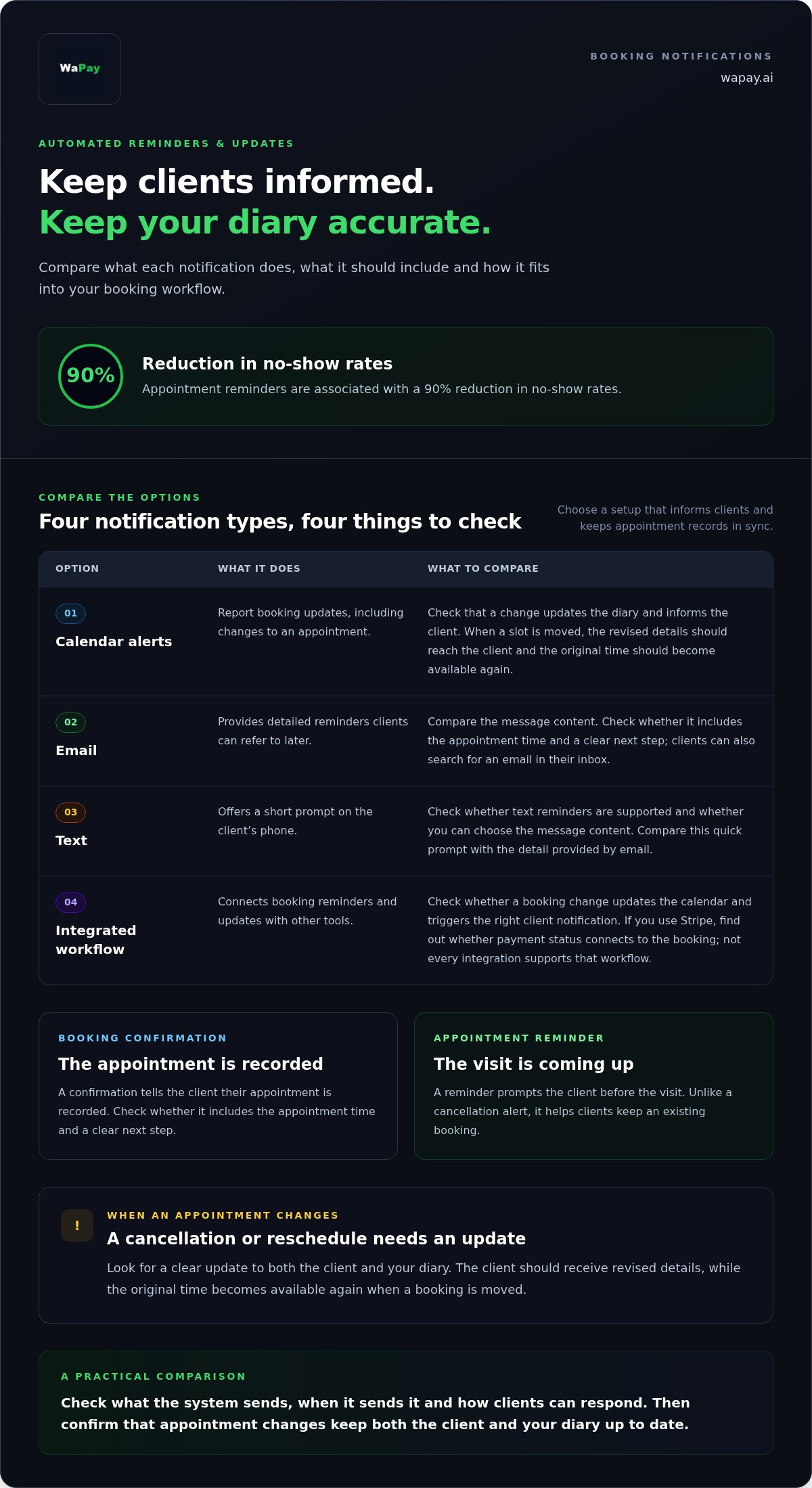
Compare each option by what it sends, when it sends it and how clients can respond. Appointment reminders are associated with a 90% reduction in no-show rates.
Appointment reminders and notifications
A booking confirmation tells a client their appointment is recorded; a reminder prompts them before the visit. Check whether the calendar sends both and whether each message includes the appointment time and a clear next step. Unlike a cancellation alert, a reminder helps clients keep an existing booking.
Cancellations and rescheduling
Cancellation and rescheduling notifications report a change to an appointment, rather than simply repeating its details. Look for a clear update to both the client and your diary when someone changes a slot. For example, when a client moves a morning visit, they should receive the revised details and the original time should become available again.
Email and text reminders
Email reminders give clients appointment details they can refer to later; text reminders provide a shorter prompt on their phone. Compare whether the system supports both channels and lets you choose the message content. A text reminder offers a quick prompt, while an email gives clients a message to search for in their inbox.
Reminder integrations
Integrations connect booking reminders and updates with other tools, so compare what each option actually links together. Check whether a booking change updates the calendar and triggers the right client notification. If you use Stripe for payments, find out whether the system connects payment status to the booking. Not every integration supports that workflow.
| Option | Message type | Compare |
|---|---|---|
| Calendar alerts | Booking updates | Diary changes |
| Detailed reminders | Message content | |
| Text | Short prompts | Delivery channel |
| Integrated workflow | Connected updates | Linked tools |
Choose an option that keeps clients informed and your diary accurate.
What to look for in a scheduling or booking app as a small business?
Salons need service slots; consultants need meeting times and preparation details. Compare scheduling software by how well its booking steps, reporting and calendar connections suit your business.
Appointment booking workflows
A booking workflow takes a client from choosing an appointment to receiving its details. For a salon, check whether clients can select a service before choosing a time. A consultant may need to collect meeting details first. If you manage recurring appointments, classes or waitlists, check how the app handles repeat bookings and requests for full sessions.
Online booking channels
Booking channels determine where clients can start an appointment request, such as your website or a shared booking link. Compare how easily each channel feeds into the same diary. For example, a client booking through your social profile should still appear in your central calendar. Check whether Google Calendar or Outlook connections fit your existing routine.
Appointment reporting and business management
Reporting turns appointment records into a useful view of daily operations. Check whether you can review upcoming bookings, cancellations and service types without manually rebuilding the information. A mobile hairdresser, for example, may need to see the day’s appointments in travel order. Compare that practical view with broader reports that track booking activity over time.
Appointment templates and multi-host meetings
Templates save setup time by applying standard appointment details, such as a consultation type or class description. Multi-host meeting tools coordinate availability across people, which matters when a client needs to meet several team members. Compare these features separately: templates standardise each booking, while shared-host scheduling helps find a time everyone can attend.
Online booking links and calendar availability
A booking link lets clients view open times and reserve a slot without arranging it by message. Check whether each booking page reflects your actual availability and makes the next step clear.
For GDPR and data protection in Ireland, treat names, contact details and appointment notes as personal data. Collect only the details needed to manage the booking, explain why you need them, limit access and decide how long to keep them. Avoid asking clients to share sensitive information in an open booking form.
Software costs vary according to the pricing model and included features. Compare subscription terms, user limits, payment processing, integrations and any messaging charges. A low headline cost may not cover the features your workflow needs, so weigh the full package before choosing.
Test a booking link from the client’s point of view. Open the booking page on a phone, choose a service and check that the available slots match your working hours. Compare Square with a link on your own website: look at how clearly each presents services, availability and booking details.
Set availability to reflect how you actually work. Block travel time between mobile appointments, set different hours for each service and prevent clients from choosing a time you cannot honour. If team members handle different appointments, make sure the calendar shows their availability instead of treating the whole business as one diary.
Before sharing a booking page, check what information it collects and how clients can change an appointment. A good booking link makes availability clear, captures only useful details and attaches each appointment to the right diary.
Compare options by checking whether they show real availability, present services and booking details clearly, support different hours and team-member calendars, and include the features your workflow needs. Assess Square against a booking link on your own website from the client’s point of view, including how clearly each displays services, available slots and booking details.
WaPay: Payments
WaPay can help when appointment administration needs to connect with invoicing and payment collection. Use WhatsApp or the WebApp to create invoices and payment links from a voice note or text message, keeping follow-up tasks in a familiar workflow.
After arranging a booking, for example, create an invoice or send a payment link without entering the details from scratch. WaPay also offers Bookings and Bills, bringing appointment administration and routine business paperwork into one service. Customer payments go directly to your business bank account.
If you want to manage bookings and payment tasks in one workflow, visit wapay.ai or contact WaPay.
Make your next booking easier to manage
Choose a booking calendar for a small business that suits the way you work, then build a routine around it. Start with one practical change, such as capturing appointment details more easily or handling payment follow-up alongside your daily administration. Small, consistent improvements can make the working day easier to organise.
WaPay can support the tasks that follow a booking. Its Payments, Invoices and Bills services bring payment and paperwork steps into your business workflow. Consider WaPay when these tasks are taking time away from serving customers or finishing the day’s work.
Take the next step at a pace that suits your business. A simpler routine starts with choosing the task you most want to make easier.
Frequently Asked Questions
How do you set appointments?
Set up appointments by deciding what information you need before confirming a time. Define service duration and availability, and note any preparation clients should know about. Then record the booking, capture the client’s contact details and send the appointment information. For example, a repair business might ask clients to describe the issue first, helping the owner prepare tools before travelling.
Why use online scheduling software?
Online scheduling software lets clients request or book appointments without waiting for you to answer a call. It also creates a clear record of who is booked and when, which helps when you’re away from your desk. For instance, a sole trader can check the day’s schedule on a phone between jobs instead of searching through message threads.
What is the best booking calendar software for small businesses in Ireland?
The best booking calendar for a small business in Ireland is one that fits its appointment routine and clients’ needs. A salon may need separate service types, while a consultant may need distinct options for introductory and follow-up sessions. Compare how easily each system handles these situations, then consider whether its administration suits the way you run your business.
Which booking calendars offer a free plan or free trial?
Free plans and trials depend on the provider and its current terms, so compare what each option includes before choosing. Check limits on users, bookings and features, and note when a trial ends or requires payment details. WaPay has no subscription, but that does not mean payment processing or every service is free.
What features should a small business booking calendar include?
Start with features that prevent avoidable administration: clear service descriptions, adjustable working hours, client details and an easy way to manage changes. Businesses with several staff members should also consider separate calendars or access controls. Choose a booking calendar that makes daily tasks straightforward, rather than adding steps to routine appointment management.
Frequently asked questions
How do you set appointments?
Set up appointments by deciding what information you need before confirming a time. Define service duration and availability, and note any preparation clients should know about. Then record the booking, capture the client’s contact details and send the appointment information. For example, a repair business might ask clients to describe the issue first, helping the owner prepare tools before travelling.
Why use online scheduling software?
Online scheduling software lets clients request or book appointments without waiting for you to answer a call. It also creates a clear record of who is booked and when, which helps when you’re away from your desk. For instance, a sole trader can check the day’s schedule on a phone between jobs instead of searching through message threads.
What is the best booking calendar software for small businesses in Ireland?
The best booking calendar for a small business in Ireland is one that fits its appointment routine and clients’ needs. A salon may need separate service types, while a consultant may need distinct options for introductory and follow-up sessions. Compare how easily each system handles these situations, then consider whether its administration suits the way you run your business.
Which booking calendars offer a free plan or free trial?
Free plans and trials depend on the provider and its current terms, so compare what each option includes before choosing. Check limits on users, bookings and features, and note when a trial ends or requires payment details. WaPay has no subscription, but that does not mean payment processing or every service is free.
What features should a small business booking calendar include?
Start with features that prevent avoidable administration: clear service descriptions, adjustable working hours, client details and an easy way to manage changes. Businesses with several staff members should also consider separate calendars or access controls. Choose a booking calendar that makes daily tasks straightforward, rather than adding steps to routine appointment management.